Best Webflow Video Hosting: 11 Options Compared (2026)
Webflow does not host standalone videos, so picking the right video host is one of the biggest performance and cost decisions for a Webflow site. The best all-around choice for most Webflow users is Vidzflow, a native Webflow app that hosts your videos and gives you a branded, ad-free player with no code. If you want the lowest cost at scale, Bunny Stream and Cloudflare Stream win; for marketing analytics, Wistia; for free reach, YouTube.
Table of contents
Quick picks
Best overall for Webflow: Vidzflow
Best free option: YouTube (with its branding) or Webflow's native background video (loops only)
Cheapest at scale: Bunny Stream or Cloudflare Stream
Best for marketing teams: Wistia
Best for bandwidth-heavy agency sites: Flowdrive or Bunny Stream
Best general-purpose video platform: Vimeo
How Webflow handles video (and why you need a host)
Webflow was built for design, not for serving large media. There is no standalone video hosting:
The Assets panel does not accept standalone video uploads (an MP4 shows greyed out).
The background-video element accepts files up to 30MB, but it is muted, looping, and has no controls.
For anything else, you embed YouTube or Vimeo, or use a dedicated host.
Every megabyte a visitor streams from Webflow's native hosting counts against your plan's bandwidth allowance (roughly 50GB on Core, 500GB on Business), and overages cost extra.
That is why a real video host matters: faster loads, higher quality, a branded player, and predictable cost.
What drives video hosting cost
Three things determine your bill, so match the pricing model to your traffic:
Storage: how much video you keep. Usually cheap and predictable.
Bandwidth or delivery: charged per GB streamed (Bunny), per viewer-minute (Cloudflare), or capped by plan (Wistia, Vimeo, Webflow native). This is the real cost driver for popular videos.
Features and seats: analytics, CTAs, branding removal, team seats, and live streaming often sit behind higher tiers.
At-a-glance comparison
Platform
Webflow-native
Hosting model
Player customization
Analytics
Starting price
Vidzflow
Yes (official app)
Flat plans
Full, ad-free
Built-in
Free, from $12/mo
Webflow native video
Built in
Plan bandwidth
None (background only)
None
Included (30MB cap)
Flowdrive
Yes (app)
Request-based, no bandwidth fees
Yes
Basic
Free, from $9/mo
Bunny Stream
No (dev setup)
Usage (per GB)
Yes
Basic
~$0.01/GB store + $0.005/GB deliver
Cloudflare Stream
No (dev setup)
Usage (per minute)
Yes
Basic
$5/1k min stored + $1/1k min delivered
YouTube
No (embed)
Free
Minimal
YouTube Studio only
Free
Vimeo
No (embed)
Flat plans
Yes (higher tiers)
Yes
Free, from $12/mo
Wistia
No (embed)
Flat plans
Yes
Advanced (heatmaps, A/B)
Free, from $79/mo
Vidyard
No (embed)
Flat plans
Yes
Yes
Free, from $19/mo
SproutVideo
No (embed)
Flat plans
Yes
Advanced
From $10/mo
Loom
No (embed)
Flat plans
Limited
Basic
From $15/mo
The platforms
1. Vidzflow — best overall for Webflow
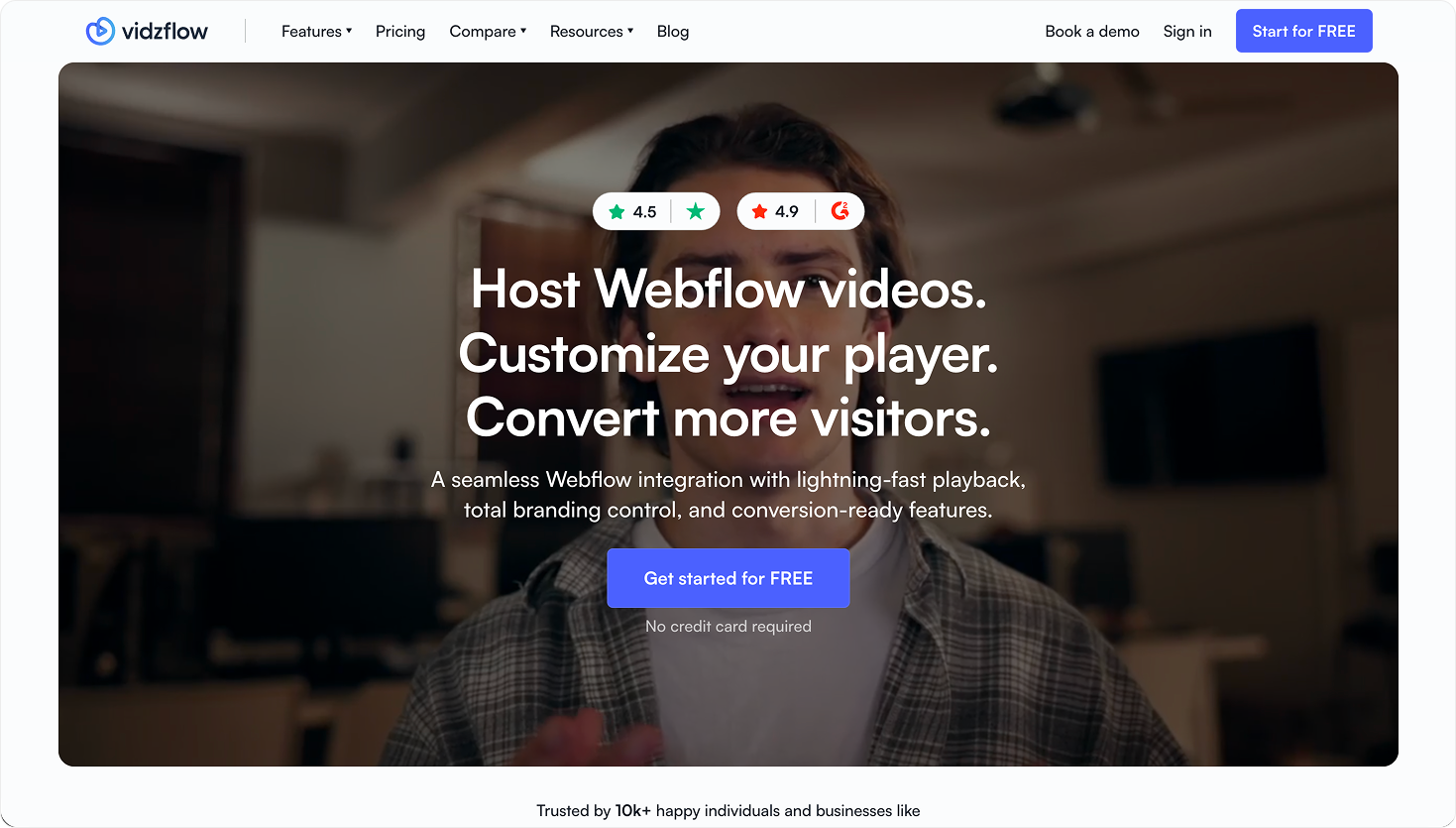
The only option here built as an official Webflow app: you host, customize, and manage videos inside the Webflow Designer with no code, with a branded ad-free player, in-video CTAs and lead forms, analytics, raw and 4K hosting, and WebM transparency.
Cons: no live streaming; analytics are lighter than Wistia's; flat plans rather than pay-as-you-go.
Pricing: Free; Lite $12/mo, Starter $19/mo, Business $39/mo, Premium custom.
Best for: Webflow sites that want on-brand, conversion-ready video without code.
2. Webflow native video — best for free background loops
Fine for a short, silent background loop, but not real hosting (30MB cap, muted, no controls, and it draws on your plan bandwidth).
Pros: free and built in.
Cons: 30MB limit; no sound, controls, or analytics; bandwidth counts against your plan.
Pricing: included in your Webflow plan.
Best for: decorative background video under 30MB.
3. Flowdrive — best for bandwidth-heavy sites and agencies
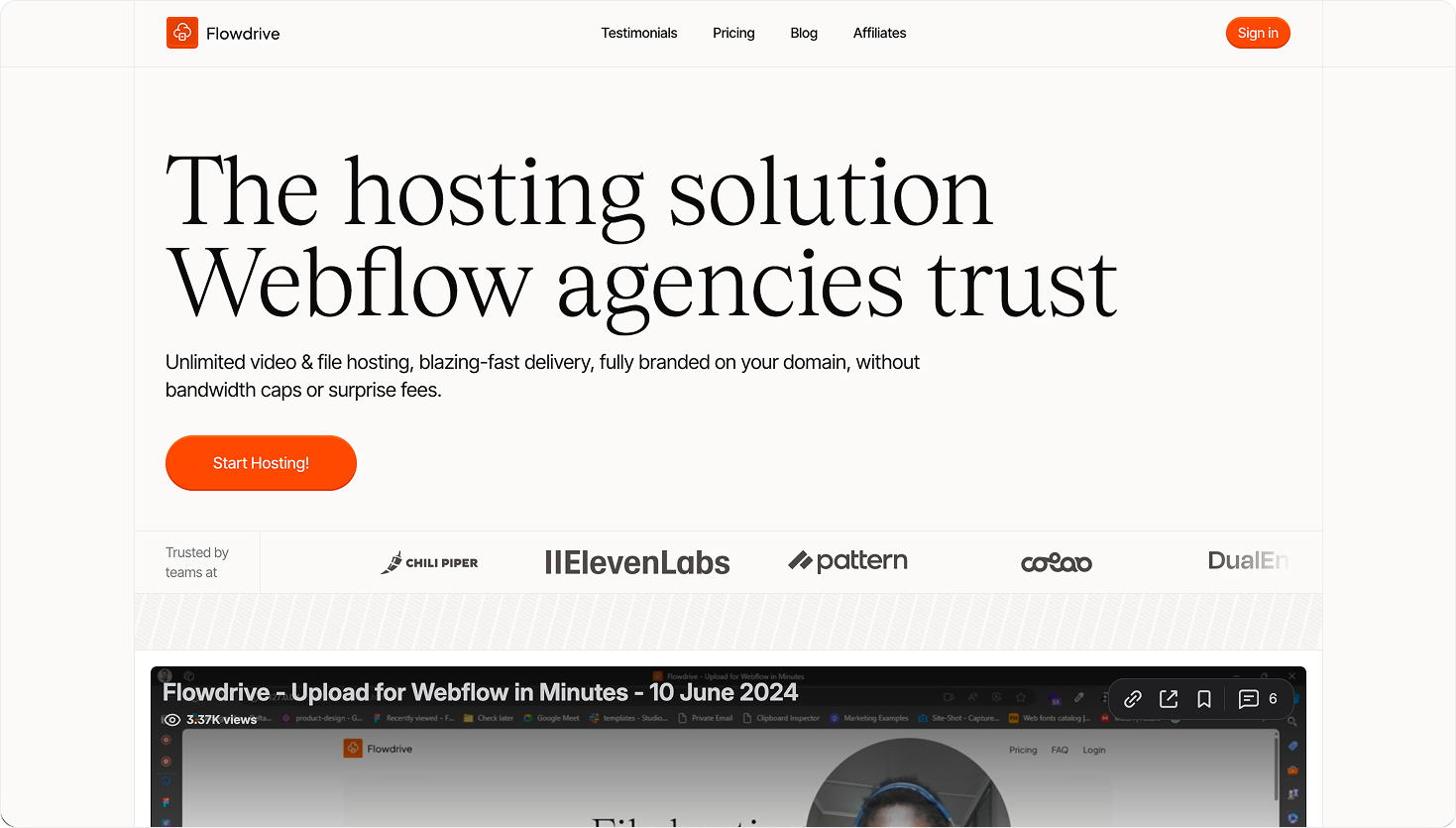
A Webflow-native file and video host with an unusual, useful model: it does not charge for bandwidth, only for requests, so high-traffic video sites avoid overage surprises.
Pros: Webflow app; no bandwidth fees; predictable at scale; good for agencies.
Cons: more of a file-hosting/player tool than a marketing video suite (no in-video CTAs or lead forms like Vidzflow); analytics are basic.
Pricing: Free (1GB, 5,000 requests); Pro from $9/mo (250GB, files up to 2GB).
Best for: media-heavy or multi-client Webflow sites focused on cost and delivery.
4. Bunny Stream — cheapest at scale
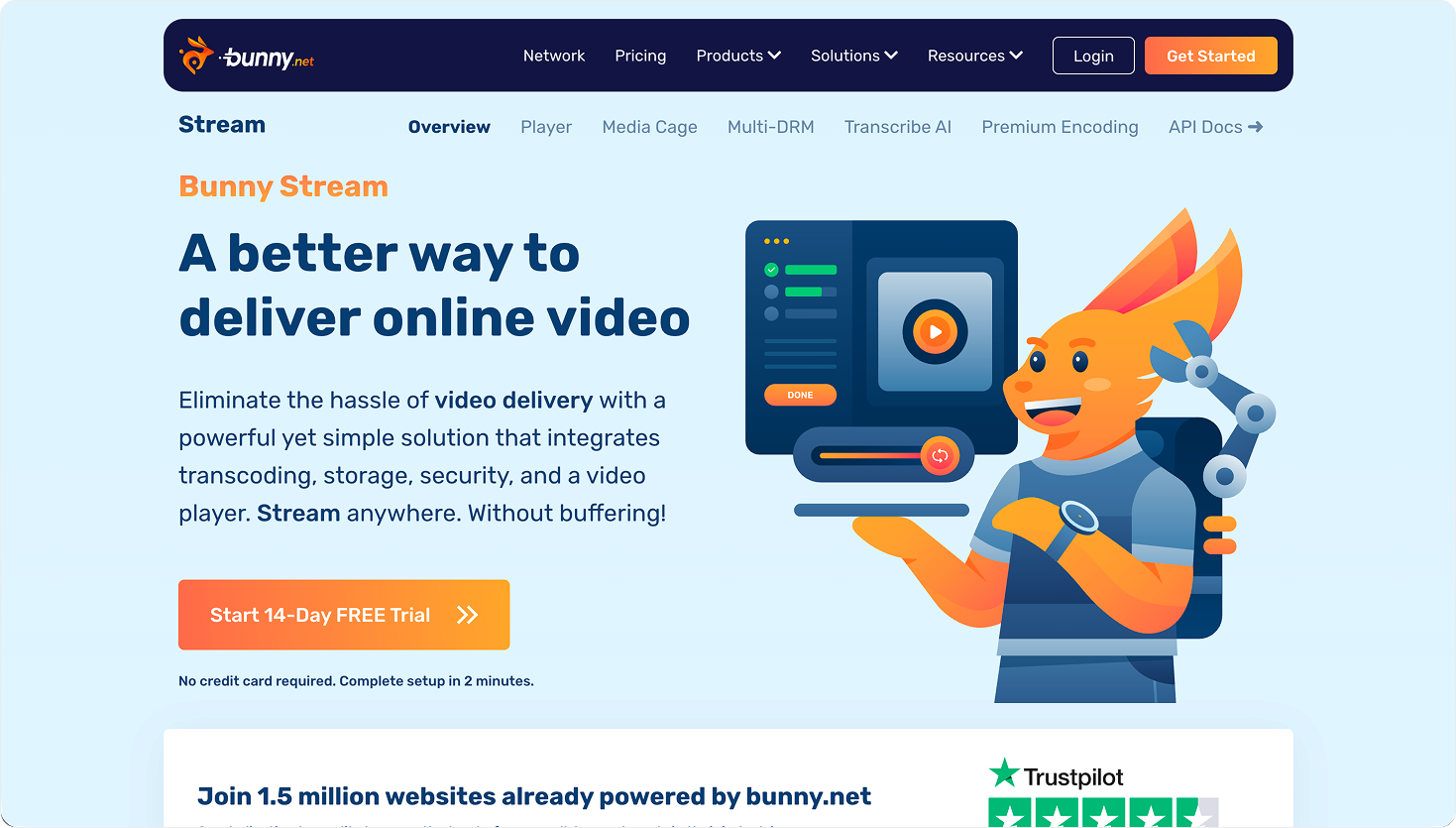
Pay-as-you-go infrastructure with very low per-GB costs and free encoding. Excellent value if you are comfortable wiring up delivery and a player.
Pros: very cheap at scale; free encoding; fast CDN; customizable player.
Cons: developer setup; no Webflow app; no marketing features (CTAs, forms).
Pricing: ~$0.01/GB stored per month and $0.005/GB delivered.
Best for: technical teams optimizing for cost. (See the worked example below.)
5. Cloudflare Stream — best usage-based developer platform
Charges purely by minutes stored and delivered, with free encoding and no bandwidth fees.
Pros: simple per-minute pricing; free encoding and ingress; reliable global delivery.
Cons: developer-focused; no no-code Webflow integration.
Pricing: $5 per 1,000 minutes stored, plus $1 per 1,000 minutes delivered.
Best for: engineering teams that want predictable per-minute costs.
6. YouTube — best free option
Great for reach, but embedding it puts ads, recommended videos, and YouTube branding on your site, and gives you no first-party analytics on your Webflow visitors.
Pros: free; unlimited; built-in audience and SEO presence.
Best for: teams wanting a general video platform beyond Webflow.
8. Wistia — best for marketing and analytics
A powerful video marketing platform with heatmaps, A/B testing, lead capture, and CRM integrations. Excellent but expensive, and overkill for most Webflow sites.
Pros: deep analytics; lead capture and CTAs; AI editing; webinars (add-on).
Cons: expensive; not Webflow-native; more than most sites need.
Best for: marketing teams running video as a core channel.
Other options worth knowing
Vidyard — sales and marketing video with CTAs and analytics; free plan, paid from $19/mo. Sales-team oriented, not Webflow-native.
SproutVideo — strong analytics and security (DRM); from $10/mo. Not Webflow-native.
Loom — screen recording that can also host; from $15/mo. Best for internal and explainer clips, not marketing sites.
Amazon S3 + CloudFront — DIY infrastructure (~$0.023/GB stored, ~$0.085/GB delivered). Maximum control, but needs a developer and can produce surprise bills.
What it actually costs: a worked example
Say you host 20 clips (about 50GB of storage) and get 500GB of monthly viewing:
Bunny Stream: ~$0.50 storage + ~$2.50 delivery = about $3/month, but you build your own player and setup.
Vidzflow Lite ($12/mo): flat, predictable, includes the branded no-code player, CTAs, and analytics, with no per-GB math.
Webflow native: that 500GB likely blows past your plan's bandwidth allowance, triggering overage fees, with no real player. Usage-based hosts win on raw cost; flat no-code apps win on time saved and predictability.
Which is right for you?
Just need a silent background loop, zero budget: Webflow native video.
Want the simplest on-brand result inside Webflow: Vidzflow.
High-traffic or many client sites, cost-sensitive: Flowdrive or Bunny Stream.
Marketing team that needs heatmaps, A/B tests, lead gen: Wistia.
Developers who want the lowest usage-based cost: Bunny Stream or Cloudflare Stream.
Want free reach and don't mind YouTube branding: YouTube.
Frequently asked questions
What is the best video hosting for Webflow?
For most Webflow sites, Vidzflow, because it is a native Webflow app that hosts video and gives you a branded, ad-free player with no code, from $12/mo. Bunny Stream and Cloudflare Stream are cheaper at scale; Wistia is best for marketing analytics.
Can Webflow host videos natively?
Only short, muted background loops up to 30MB. The Assets panel blocks standalone video uploads, so for real hosting you need a host like Vidzflow, Flowdrive, or Bunny.
What is the Webflow video upload limit?
The background-video element is capped at 30MB, and standalone videos cannot be uploaded to Assets at all. Dedicated hosts remove this limit (Vidzflow supports up to 1000MB per video, unlimited on Premium).
Where can I host videos for free?
YouTube is free (with its branding), and Vidzflow, Vimeo, Wistia, and Flowdrive all have free plans. Webflow's native background video is free but loops-only.
What is the cheapest Webflow video hosting?
At scale, Bunny Stream and Cloudflare Stream (pay-as-you-go) are cheapest. For a fixed, predictable no-code option, Vidzflow starts at $12/mo with a free plan.
Which is best for agencies?
Flowdrive (no bandwidth fees, request-based) and Vidzflow (per-site branded player, no-code) are the agency-friendly picks.