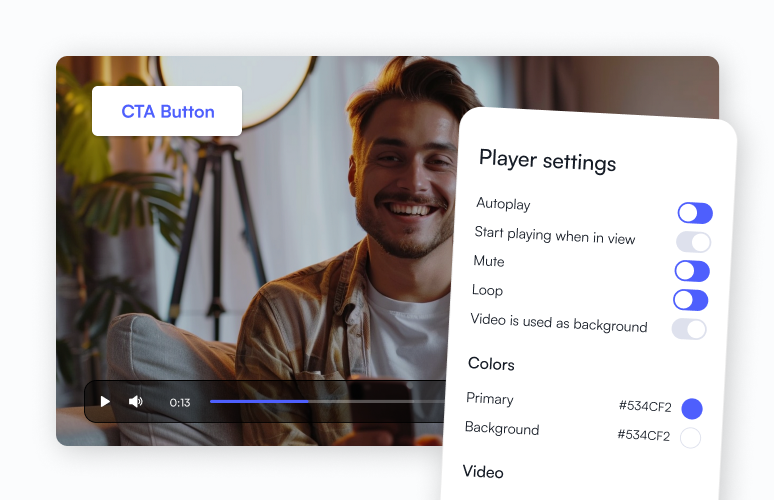
Customize and embed with Webflow app

Install our official Webflow app and get ultimate control over your videos. Customize video players in just a few clicks and toggles.
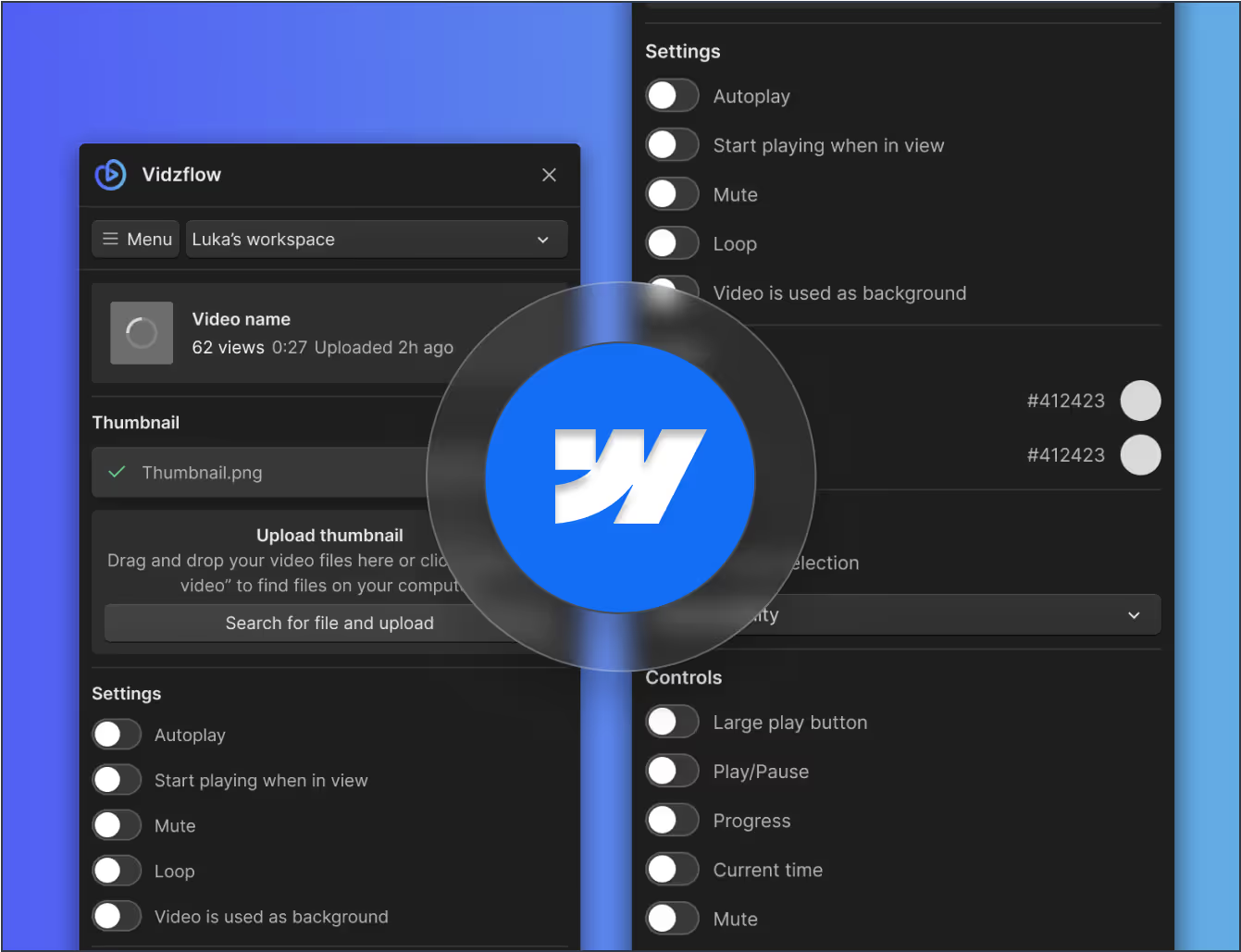

Add to your site
Trusted by 10k+ happy individuals and businesses like

What you can do with the Vidzflow Webflow App

One-click installation

Add Vidzflow to your Webflow project in seconds. No code, no setup headaches, just install the app and start embedding videos right away.

Native Webflow integration

Work where you’re comfortable. Manage videos directly in the Webflow Designer so the player feels like a natural part of your build.

Real-time preview

See changes as you make them. Customize player settings and instantly preview updates inside Webflow without switching tabs.

Easy client editing

Give clients the power to update video content themselves. Vidzflow works seamlessly with the Webflow Editor so they stay in control.

No embeds, no workarounds

Forget messy code snippets or external platforms. Vidzflow is built for Webflow, making video management smooth, fast, and reliable.

Streamlined workflows

Save hours on setup and handoffs. Designers, marketers, and clients can all manage videos in one simple, integrated workflow.

Why use Vidzflow inside Webflow?

Skip code, save time, and keep everything on-brand. Vidzflow brings video hosting and customization directly into your Webflow workflow.

Start for FREE

Save hours on setup

Skip code snippets and workarounds. Vidzflow installs in seconds so you can embed and customize videos without losing time.

Embedding videos

Skip code snippets and workarounds. Vidzflow installs in seconds so you can embed and customize videos without losing time.

Preview changes instantly

See exactly how your videos look as you design. Real-time preview keeps your player aligned with your layout and branding.

Easy content updates

Update videos quickly in the Webflow Editor. No need for developer help or outside tools to keep your content fresh.

Eliminate messy workarounds

No need for code hacks, embeds, or external dashboards. Vidzflow keeps video management simple and reliable.

Streamlined collaboration

Designers, marketers, and clients can all work from the same place, creating faster, more efficient project workflows.

How to embed a video in Webflow (no code)

To embed a video in Webflow, install the Vidzflow app, upload your video, drag the Vidzflow element onto your page, select your video, and publish. No code or embed snippets required.
Install and upload

Install the Vidzflow app from the Webflow Marketplace, then upload the video you want to embed straight into your workspace.
1

Drag the element

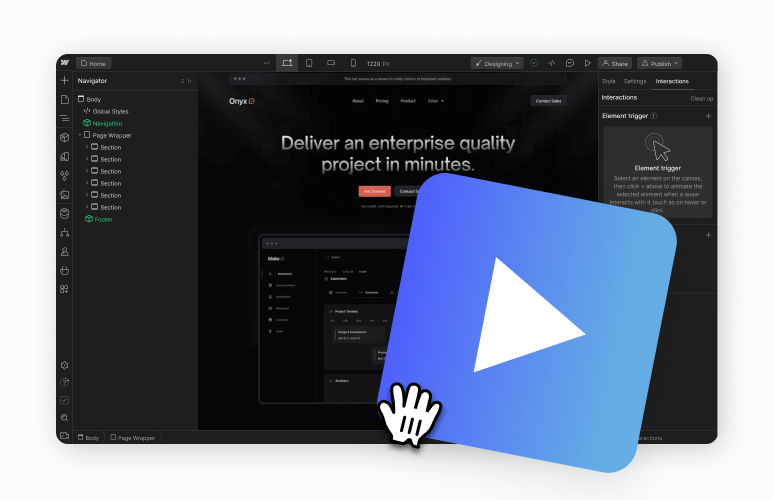
In the Webflow Designer, drag the Vidzflow element onto your page exactly where you want the embedded video to appear on it.
2

Customize the player

Select your uploaded video, then customize the player settings, colors, and thumbnail so it matches your brand and design.
3

Publish, no code

Publish your Webflow site and your embedded video goes live instantly, with fast, ad-free playback and absolutely no code.
4

Using the Vidzflow app inside Webflow

How to install the Vidzflow app in Webflow

Getting started takes just a few minutes. Install Vidzflow from the Webflow Marketplace, authorize it for your site, and open the Webflow Designer where Vidzflow will appear in the Apps panel. From there, upload or select a video and you're ready to embed it anywhere on your site.

Who can manage videos: Designer and Editor

Designers work in the Webflow Designer, while clients and marketers can update video content in the Webflow Editor, with no developer needed. Everyone stays in one workflow, so handoffs and content updates are fast.

What others are saying

Maria Sanchez
Freelancer
"If you want to embed videos in Webflow and customize the look, there is no better solution than Vidzflow in my opinion."
Bryant Chou
Co-Founder at Webflow
"Vidzflow is really slick!!!"
Robin Vander Heyden
CEO at ManyRequests
"Because our website is built on Webflow, we've integrated Vidzflow for our videos. I appreciate how easy it is to customize the video player to match our branding, and the pricing is budget-friendly when compared to other options in the market."
Nishant Modi
Founder at GreetsApp
"This is great, like community service. Love your plans too. A great vimeo alternative."
Emmet Armstrong
Webflow Expert
"Vimeo pushed us towards a plan that was 20x pricier, so I switched to Vidzflow instead!"
Josselin Colletta
Freelancer
"Awesome. I've been juggling with Vimeo and such for years!"
Annabelle Porter
Freelancer
“Wow! Exactly what I need for a current project.”
Nina Martinez
Assistant web development manager at Digital Resource
"I’ve been testing Vidzflow this week and it’s great! It really solves many pain points that Webflow was experiencing with their lack of video hosting. Not only is it serving an important role, but the UI of the dashboard is great."
Audiencon
@audiencon
"This tool is outstanding for hosting videos on Webflow. Congratulations!"
Dominic Yates
CMO at SalesHookup
"I was embedding Vidyard videos on my Webflow page 🤮 Gonna try this instead!!"
Bethany Pryce
Freelancer
"It is a tool that Webflow has needed for a very long time!"
Leon Barth
Webflow Expert
"Great idea guys. Really good subject to tackle and throw resources at."
Niko Dovidija
Agency co-founder
"Great idea guys 👏 definitely a much needed substitute for Webflow's native solution!"
Sean Dorje
Co-Founder of ezML
"This seems like a fantastic solution to video hosting issues on Webflow, and I'm sure many users are looking forward to this feature. Speed and customization are crucial for engaging users with video content, and you seem to have nailed these aspects."
Prasad Lingawar
Growth @ Dyte
"This is good. Sharing it with our marketing developer."
Jitesh
Founder at Victrays.com
"This tool is lit for hosting videos on Webflow. Congrats!"

Frequently asked questions

Get in touch with us at
support@vidzflow.com
What are the supported video formats for uploading to Webflow?
Vidzflow supports several video formats like mp4, mov, avi, mkv, mpg and webm.
How secure is video hosting on Webflow?
Webflow is a super secure platform, and so are your videos. Your content is protected by SSL encryption, SOC 2 compliance, DDoS protection, regular backups, 2F authentication and password policies.
What is the maximum file size allowed for videos uploaded to Webflow?
On all standard plans the limit is at 1000MB per video, but you can reach out for a custom quote on the Premium plan and we’ll increase it.
How do I install the Vidzflow Webflow app?
Open the Vidzflow listing in the Webflow Marketplace, click Install, and authorize your site. It then appears in the Designer's Apps panel.
How do I embed a video in Webflow without code?
Drag the Vidzflow element onto your page in the Designer and select your video. No embed codes needed.
Why is my MP4 greyed out / why can't I upload a video to Webflow?
Webflow's Assets panel blocks video uploads. Host the file with Vidzflow and embed it through the app instead.
Can my clients update videos themselves?
Yes. Clients can manage video content in the Webflow Editor without touching the Designer or any code.