Fast, reliable video hosting for Webflow

Host videos directly in Vidzflow and embed them seamlessly. Enjoy lightning-fast playback, no ads, and a clean player built for Webflow sites.

Get started for FREE
No credit card required
Trusted by 10k+ happy individuals and businesses like

The smarter way to host videos in Webflow

Fast, reliable playback

Deliver lightning-fast starts with minimal buffering. Vidzflow’s optimized hosting ensures smooth playback that keeps your viewers engaged every time.

Up to 4k in resolution

Stream videos in crisp, high-definition quality. Vidzflow supports up to 4K resolution so your content always looks sharp across every device.

Raw video hosting

Upload and host raw video files without compression. Preserve full quality and maintain complete control over how your videos are displayed.

Transparency mode

Use .webm videos with transparent backgrounds. Perfect for overlays, animations, and creative effects that blend seamlessly with your Webflow site.

Ad-free experience

Keep videos clean and distraction-free. No ads, logos, or external branding—just a professional player focused entirely on your content.

Scalable infrastructure

From a few clips to a full video library, Vidzflow hosting grows with your needs. Secure, reliable, and built to support projects of any size.

Why host your videos with Vidzflow?

Deliver high-quality playback without ads or distractions. Vidzflow hosting keeps your videos fast, polished, and fully on-brand in Webflow.

Start for FREE

Keep viewers on-site

Unlike YouTube or Vimeo, Vidzflow hosting has no ads or outbound links. Your audience stays focused on your content and your brand.

Higher quality playback

Support resolutions up to 4K for sharp, professional video. Give every viewer the best possible experience.

Faster load times

Vidzflow hosting is optimized for speed, so your videos start instantly and play smoothly. Reduce bounce rates and improve engagement.

Total brand control

No third-party branding or intrusive player elements. Deliver a video experience that feels fully native to your brand.

Flexible for creators

Host raw video files without compression or use .webm transparency mode. Unlock creative options other platforms can’t provide.

Built to scale

From a single landing page video to an entire library, Vidzflow hosting scales with your business while keeping performance consistent.

How to host a video in
Webflow with Vidzflow

Hosting a video in Webflow with Vidzflow takes a few minutes
and no code. Here is the full process:
Install the app

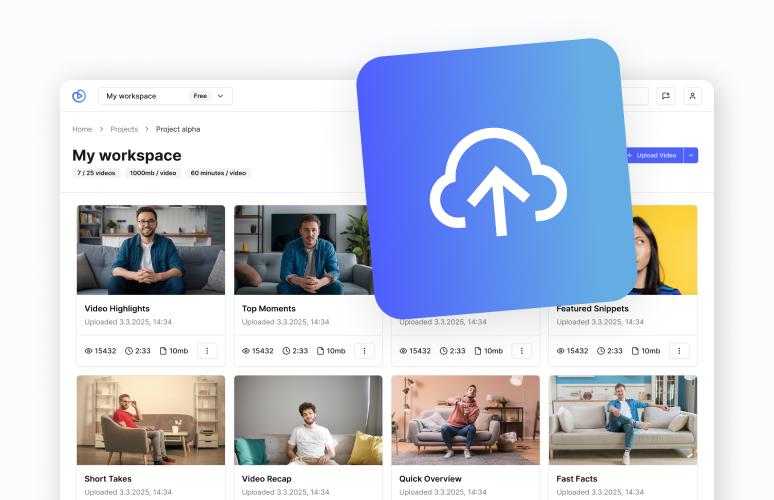
Install the Vidzflow app from the Webflow Marketplace and connect it to your site so you can start hosting videos in minutes.
1

Upload your video

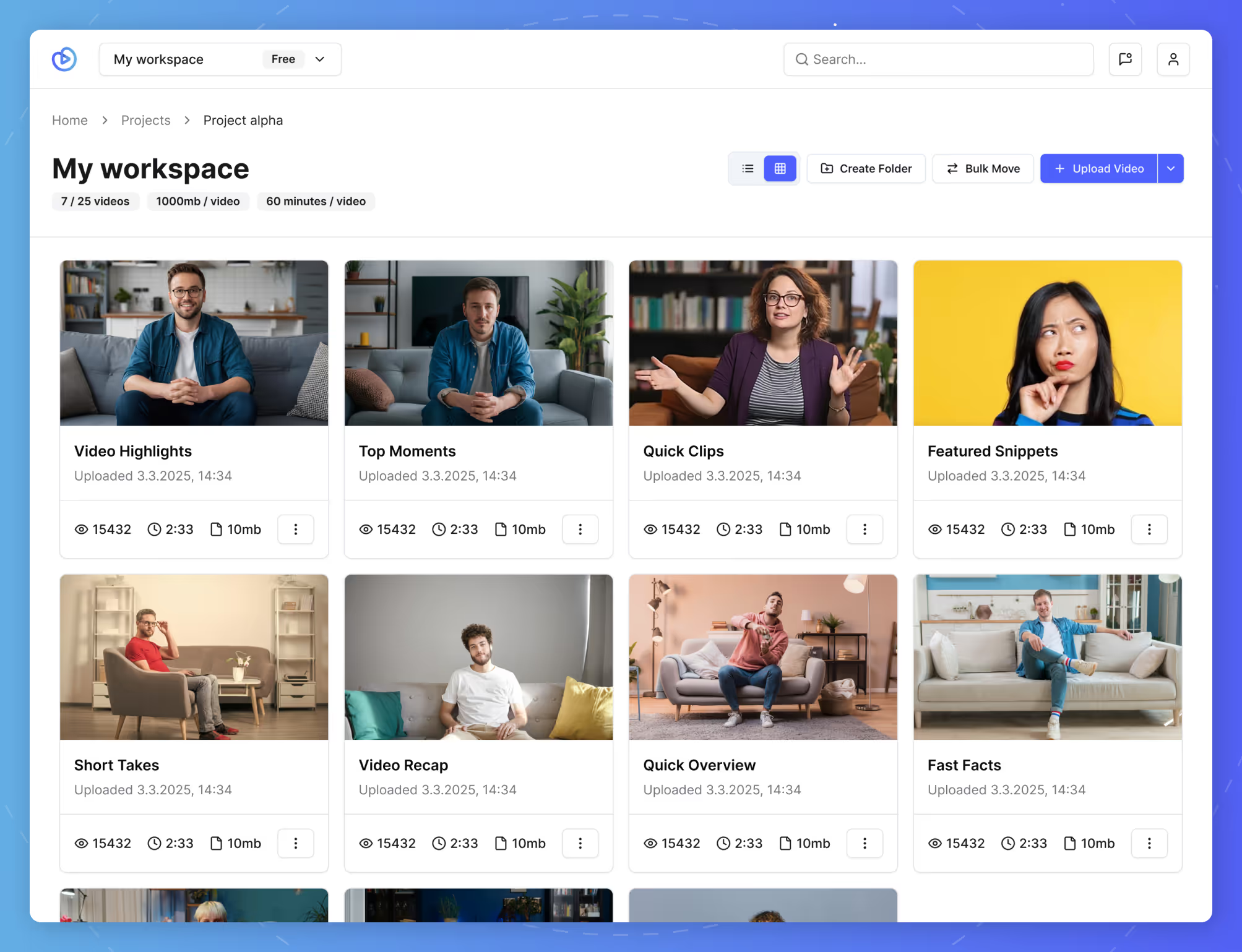
Upload your video file in MP4, MOV, AVI, MKV, MPG, or WebM straight to your Vidzflow workspace, with no compression or limits.
2

Brand the player

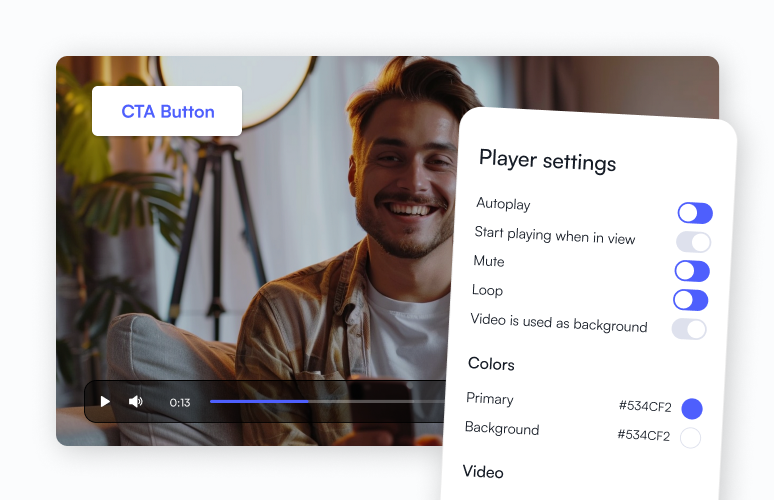
Customize the player colors, play button, and thumbnail so every hosted video matches your brand and looks native to your site.
3

Embed in Webflow

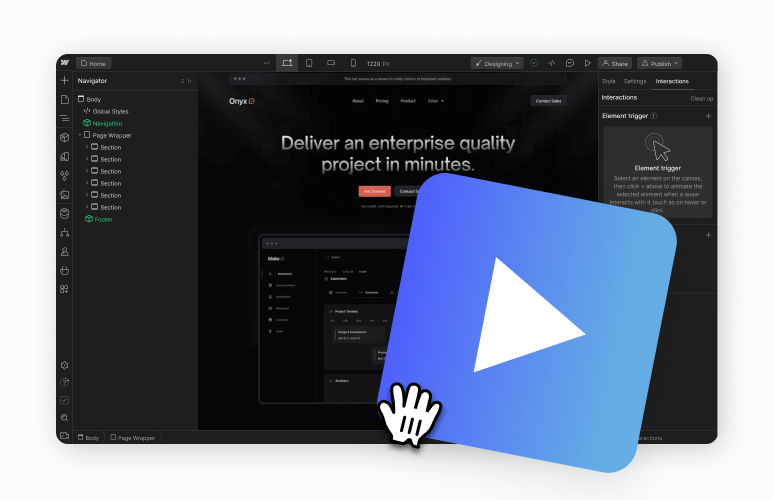
In the Webflow Designer, drag the Vidzflow element onto your page, then select the hosted video that you want to display there.
4

Publish and go live

Publish your Webflow site and your video now streams from Vidzflow with fast, reliable, and completely ad-free playback.
5
The complete video solution for Webflow

Host, customize, and optimize videos in one place — with tools to improve design, performance, and conversions.

Get started for FREE
No credit card required

What to know about video hosting in Webflow

Can Webflow host videos natively?

Webflow does not host standard videos. Its built-in options are limited to background videos (muted, looping, max 30MB) or embedding YouTube and Vimeo. Direct video uploads are not supported in the Assets panel. For branded players, video controls, and larger files, you need a Webflow video hosting solution like Vidzflow.

Supported formats and file sizes

Vidzflow hosts raw and compressed files in MP4, MOV, AVI, MKV, MPG, and WebM, including WebM with transparent backgrounds for overlays. Standard plans support up to 1000MB per video and up to 4K resolution. The Premium plan removes limits on file size, length, and number of videos.

Will hosted video slow down my Webflow site?

No. Vidzflow is built for speed: videos start up to 10x faster and play with up to 8x fewer stalls than typical players, so they will not drag down your load times or Core Web Vitals. You can also add video titles and descriptions that help search engines understand your content.

What others are saying

Maria Sanchez
Freelancer
"If you want to embed videos in Webflow and customize the look, there is no better solution than Vidzflow in my opinion."
Bryant Chou
Co-Founder at Webflow
"Vidzflow is really slick!!!"
Robin Vander Heyden
CEO at ManyRequests
"Because our website is built on Webflow, we've integrated Vidzflow for our videos. I appreciate how easy it is to customize the video player to match our branding, and the pricing is budget-friendly when compared to other options in the market."
Nishant Modi
Founder at GreetsApp
"This is great, like community service. Love your plans too. A great vimeo alternative."
Emmet Armstrong
Webflow Expert
"Vimeo pushed us towards a plan that was 20x pricier, so I switched to Vidzflow instead!"
Josselin Colletta
Freelancer
"Awesome. I've been juggling with Vimeo and such for years!"
Annabelle Porter
Freelancer
“Wow! Exactly what I need for a current project.”
Nina Martinez
Assistant web development manager at Digital Resource
"I’ve been testing Vidzflow this week and it’s great! It really solves many pain points that Webflow was experiencing with their lack of video hosting. Not only is it serving an important role, but the UI of the dashboard is great."
Audiencon
@audiencon
"This tool is outstanding for hosting videos on Webflow. Congratulations!"
Dominic Yates
CMO at SalesHookup
"I was embedding Vidyard videos on my Webflow page 🤮 Gonna try this instead!!"
Bethany Pryce
Freelancer
"It is a tool that Webflow has needed for a very long time!"
Leon Barth
Webflow Expert
"Great idea guys. Really good subject to tackle and throw resources at."
Niko Dovidija
Agency co-founder
"Great idea guys 👏 definitely a much needed substitute for Webflow's native solution!"
Sean Dorje
Co-Founder of ezML
"This seems like a fantastic solution to video hosting issues on Webflow, and I'm sure many users are looking forward to this feature. Speed and customization are crucial for engaging users with video content, and you seem to have nailed these aspects."
Prasad Lingawar
Growth @ Dyte
"This is good. Sharing it with our marketing developer."
Jitesh
Founder at Victrays.com
"This tool is lit for hosting videos on Webflow. Congrats!"

Frequently asked questions

Get in touch with us at
support@vidzflow.com
How do I upload a video to my Webflow site?
Install Vidzflow, upload your file, then drag the player onto your page in the Designer. No code needed.
Why can't I upload an MP4 to Webflow?
Webflow's Assets panel blocks video files, so MP4s appear greyed out, and the background-video element is capped at 30MB. To host real video you need an app like Vidzflow.
What video formats and file sizes does Vidzflow support?
MP4, MOV, AVI, MKV, MPG, and WebM, up to 1000MB per video and 4K on standard plans, and unlimited on Premium.
Can I host videos in Webflow without YouTube or Vimeo?
Yes. With Vidzflow you host videos directly and embed a branded, ad-free player, with no third-party platform required.
How much does Webflow video hosting cost?
Vidzflow has a free forever plan, with paid plans from $12/mo.
Will hosting video slow down my site?
No. Vidzflow streams adaptively and starts up to 10x faster than typical players, keeping pages fast.
Can I host background videos in Webflow?
Yes. Host a high-quality background or hero video without Webflow's 30MB native limit, with control over autoplay, loop, and mute.
Is my video content secure?
Yes. Vidzflow uses SSL encryption, SOC 2 compliance, DDoS protection, regular backups, and two-factor authentication.